


ometvchat.live · on air
OmeTV Chat: live video chat with someone new
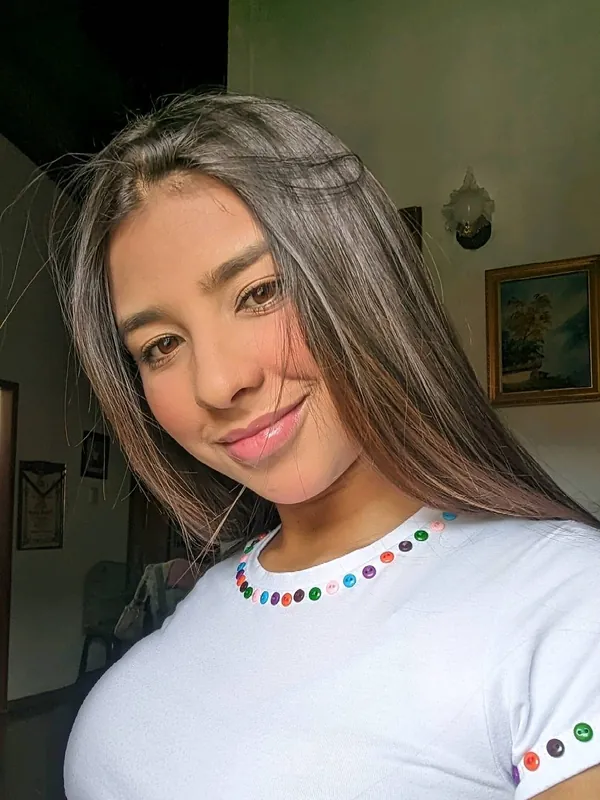
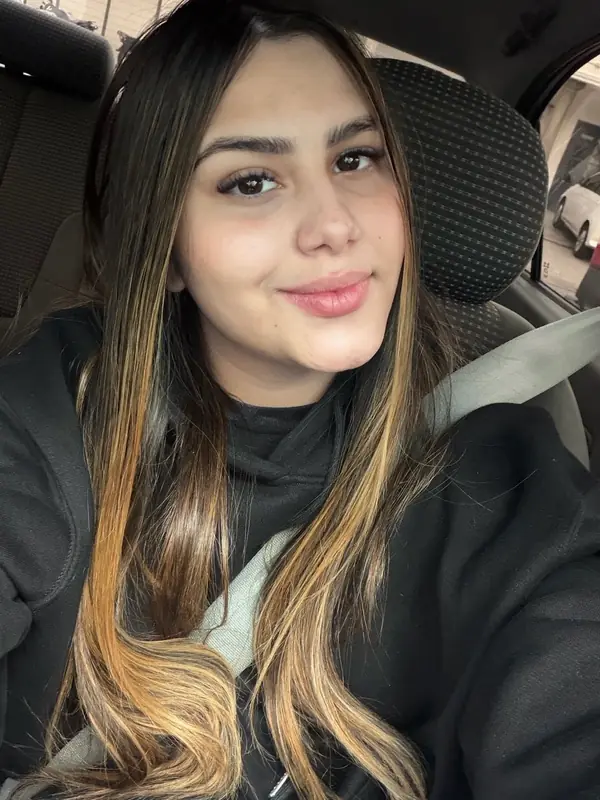


One screen, one stranger, and the camera's already rolling. Tap once and you're face to face with someone online right now, or pick who you'd like to call. It all runs in your browser.
Calls use coins, and each person sets her own price.
What is OmeTV Chat?
OmeTV Chat is a live video chat site at ometvchat.live. It puts you on camera with one person at a time, right in your browser. There are no group rooms and no audience: the person on your screen can see you, and nobody else can.
You don't build a profile before your first call. Open the page, tap Start video chat, and the face that appears belongs to someone you've never met. If the conversation goes somewhere, stay. If it doesn't, tap Next.
How does a video chat start?
Tap Start video chat and you're matched at random with someone who is online at that moment. Your browser asks for the camera and microphone as the call starts; allow both and you see each other straight away.
On a random match, Next sits in the corner. It unlocks after a short countdown, so every call gets at least a hello before either of you moves on. Tap it and you're put through to someone new, a bit like flicking to the next channel.
Rather choose for yourself? Open Who's Online and call someone directly instead of waiting to see who you get.
What happens once the video connects?
- The screen lights up
Her video fills the screen and yours sits in the small window in the corner. She's seeing you for the first time too, so don't worry if neither of you knows what to say yet.
- The hello
The first few seconds are a little awkward on both sides, always. A smile and a wave do more than a clever opening line, and saying where you are is the easiest way in.
- The countdown ends
On a random match, Next becomes tappable after a short countdown. Nothing changes unless you tap it; the call simply carries on.
- Stay, or tap Next
If it's going well, keep talking for as long as you both like. If it isn't, tap Next or hang up. Nobody owes anyone a long conversation, and moving on is part of how this works.
Who's on the other screen?
People who are online right now, from many different places, so the person you meet may be starting her evening while you're ending yours. You won't know who it is until her video appears, and that surprise is most of the fun of an ometv video chat.
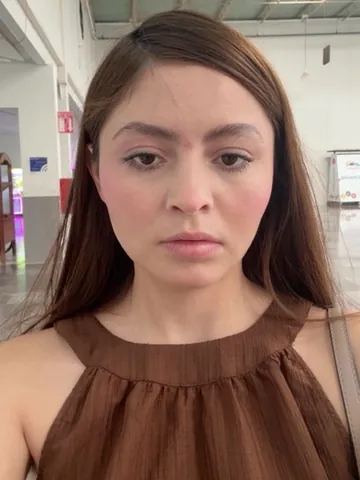
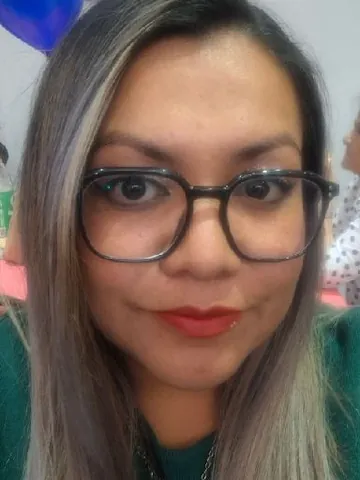

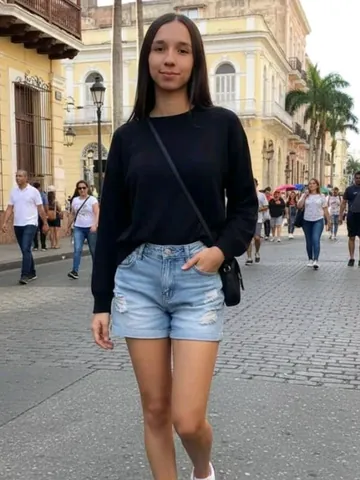
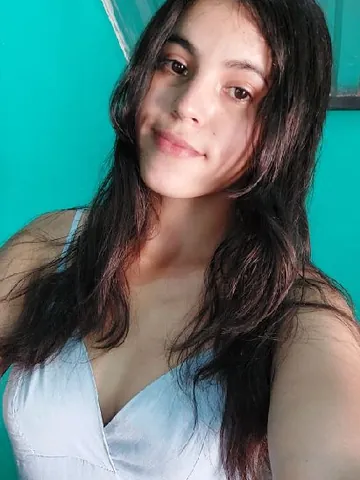
If a photo catches your eye, you don't have to leave it to chance: Who's Online shows people you can call directly. You can even narrow that list by country. And if you liked a conversation, tap Follow during the call and she'll be in your Following list.
Do I need to sign up or log in?
Not to start. Your first call doesn't need a profile, a bio or a photo: tap Start video chat and you're in.
You do need to sign in to buy coins, which is what calls are paid with. You can use your email, or Quick Sign in, which gets you an account in one tap. Keep your sign-in to yourself, and stick to one account per person: a new account made to get around a block or a removal is removed as well.
Forgot your password, or want the same account on another device? Our OmeTV Chat login guide walks through it.
Does it work on my phone and on a laptop?
Yes. OmeTV Chat works online, in the browser you already have, so there's nothing to download from an app store. On a phone, open ometvchat.live in Safari or Chrome. On a computer, any up-to-date browser with a webcam works, and headphones with a mic make you easier to hear than the laptop's own.
Video needs a steady connection more than a fast one, so Wi-Fi is usually smoother than mobile data. Step-by-step setup lives in two guides: on your phone (home screen, camera permission, front and back camera) and on a PC or Mac (browser permissions, webcam blocks, headsets).
Is OmeTV Chat free?
Calls are paid with coins you buy ahead of time. There isn't one rate for everyone: each person sets her own price, and a notice appears before charging starts, so you're never charged without warning.
New accounts may get some trial time. How much depends on our anti-abuse checks, so it can differ from one account to the next and we can't promise a set amount. Payments go through our payment providers, and we never store card numbers.
What if her messages aren't in English?
Every call has a message box next to the video, and her messages translate with one tap. It's handy for the name of a city, a question you didn't catch, or a joke that didn't land.
Short, simple sentences translate best. Typing also helps when the room is noisy or someone's microphone is weak.
What's a good opening line on camera?
Anything that's easy to answer and hard to answer badly. A few that tend to work:
- "What time is it where you are?" It turns the distance into the first topic, and the answer usually leads somewhere.
- Something you can see. A poster, a guitar, a cat walking past: people like talking about their own corner of the world.
- "What would you be doing right now if you weren't here?" Better than "what do you do?", and it's never a dead end.
- A hello in her language. Translate it in the message box first; even a clumsy try usually gets a laugh.
What doesn't work: firing off questions like an interview, asking for her socials or number in the first minute, or pushing a topic she has already stepped around. If the conversation isn't going anywhere, a friendly "nice to meet you" and Next is a perfectly good ending.
How do I look and sound good on camera?
- Light in front of you. Face a window or a lamp. With the light behind you, your face turns into a dark shape.
- Camera at eye level. Prop the phone or raise the laptop a little, and keep about an arm's length away. Looking up from below rarely flatters anyone.
- Keep it steady. Lean the phone against something rather than holding it at arm's length for the whole call.
- Headphones with a mic. They cut out echo and background noise, so she hears you, not the TV in the next room.
- Check your small window. It shows exactly what she sees, so glance at it once before you say hi.
Is it safe, and what gets an account banned?
- Report and Block are on her profile. Open the profile menu; reports are reviewed by people, not only by software.
- Block works right away. Someone you block can't call or message you, and you can unblock them any time from your block list.
- Calls are not recorded, and your personal data is not sold.
Accounts are removed for harassment, nudity or explicit content, recording someone without consent, asking for money or personal details, scams and spam, or letting anyone under 18 use the account. A removed account can't sign up again. The full rules are in our community guidelines. If your account was banned and you think it was a mistake, here's how to appeal an OmeTV Chat ban.
Quick replies
Does anyone record my calls?
No. We don't record calls, and chats are not routinely read. If someone reports a conversation, a person on our team looks at the part that was reported.
Is there an age limit?
You must be at least 18 years old. Accounts that belong to anyone younger are removed.
Can I turn my camera off during a call?
Yes. The call menu lets you turn your camera or your microphone off, and back on, at any point in the call.
Why is my video black or frozen?
A frozen picture is nearly always the connection: move closer to your Wi-Fi or switch networks. A black picture usually means your camera is turned off in the call menu, or your browser was not given camera access.
Can I find her again after the call?
Yes. Tap Follow during a call and she is added to your Following list, so you can find her again later.